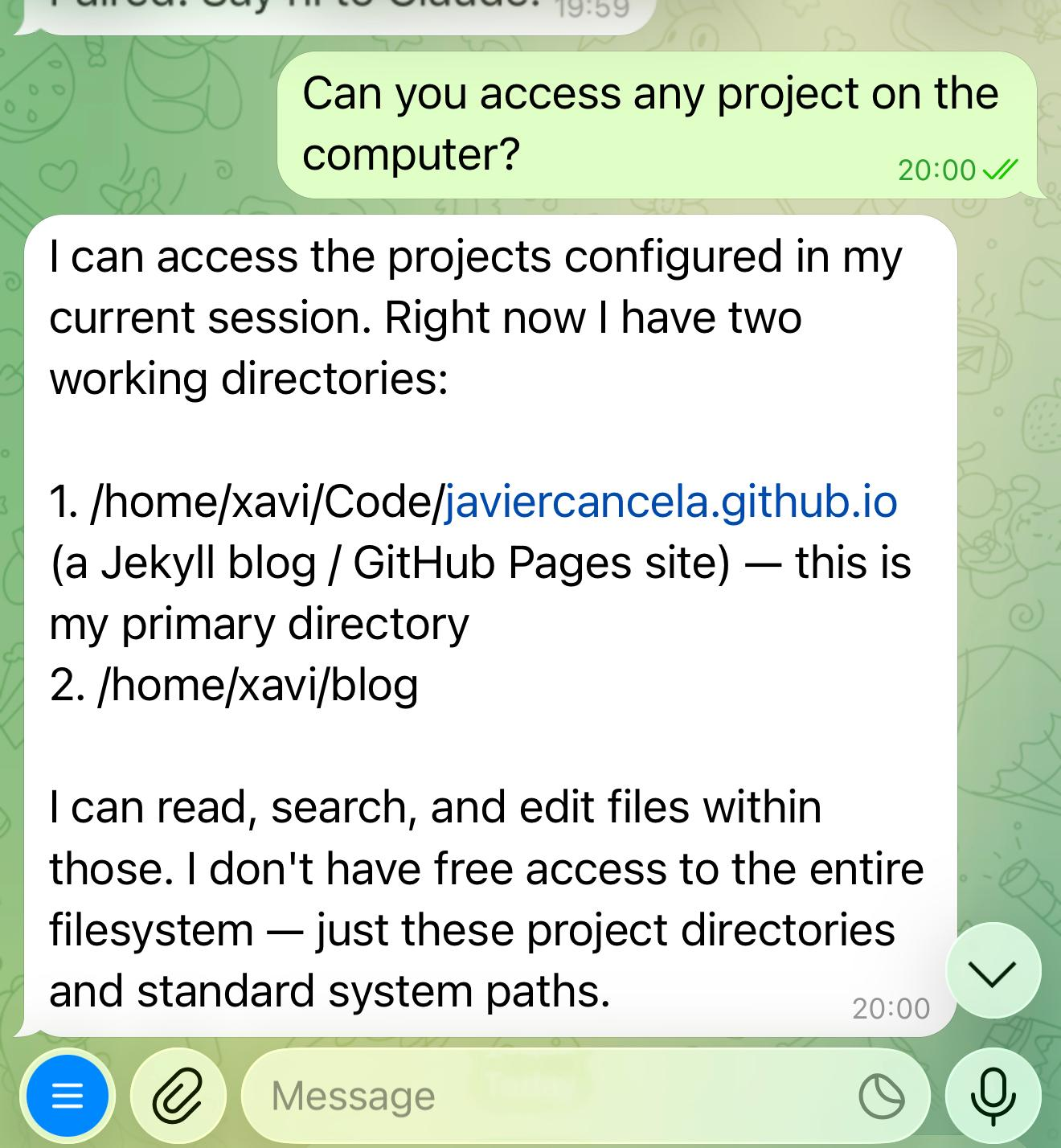
Using Telegram to control Claude
Anthropic has just released a feature called Channels, which allows a Claude session to communicate with an external system in one of two ways:
- listening for events on an HTTP port
- polling an external API
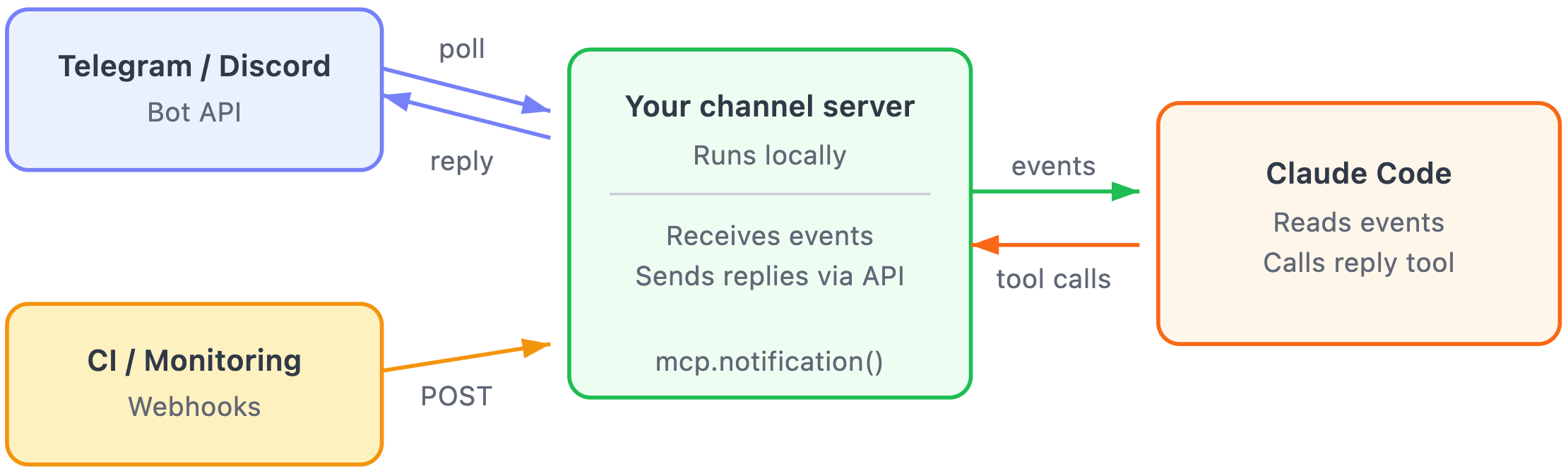
The channel is an MCP server automatically run when we use the --channels parameter when launching Claude.
Testing channels with Telegram
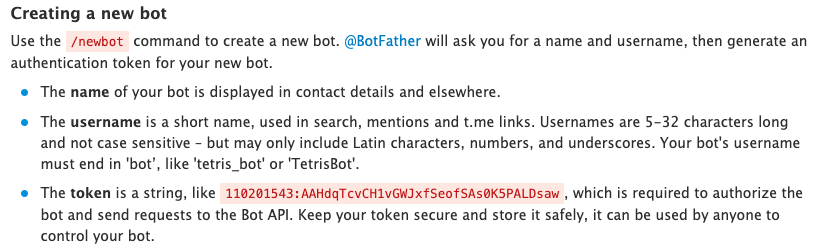
We first need to create a Telegram bot and safely store the bot token.
We also have to verify that Claude’s version is 2.1.80 or later. To run the MCP server, Claude also needs a JavaScript runtime. I’m using bun, but I think node and deno are valid options too.
The next step is installing the Telegram plugin inside Claude:
1
2
3
/plugin marketplace add anthropics/claude-plugins-official # In case it wasn't already added
/plugin install telegram@claude-plugins-official
/reload-plugins
Now the Telegram plugin should be available, and we just have to configure the bot token:
1
/telegram:configure 123456789:AAHfiqksKZ8...
The final step is to pair the bot with Claude. For that, we DM the bot we created before:
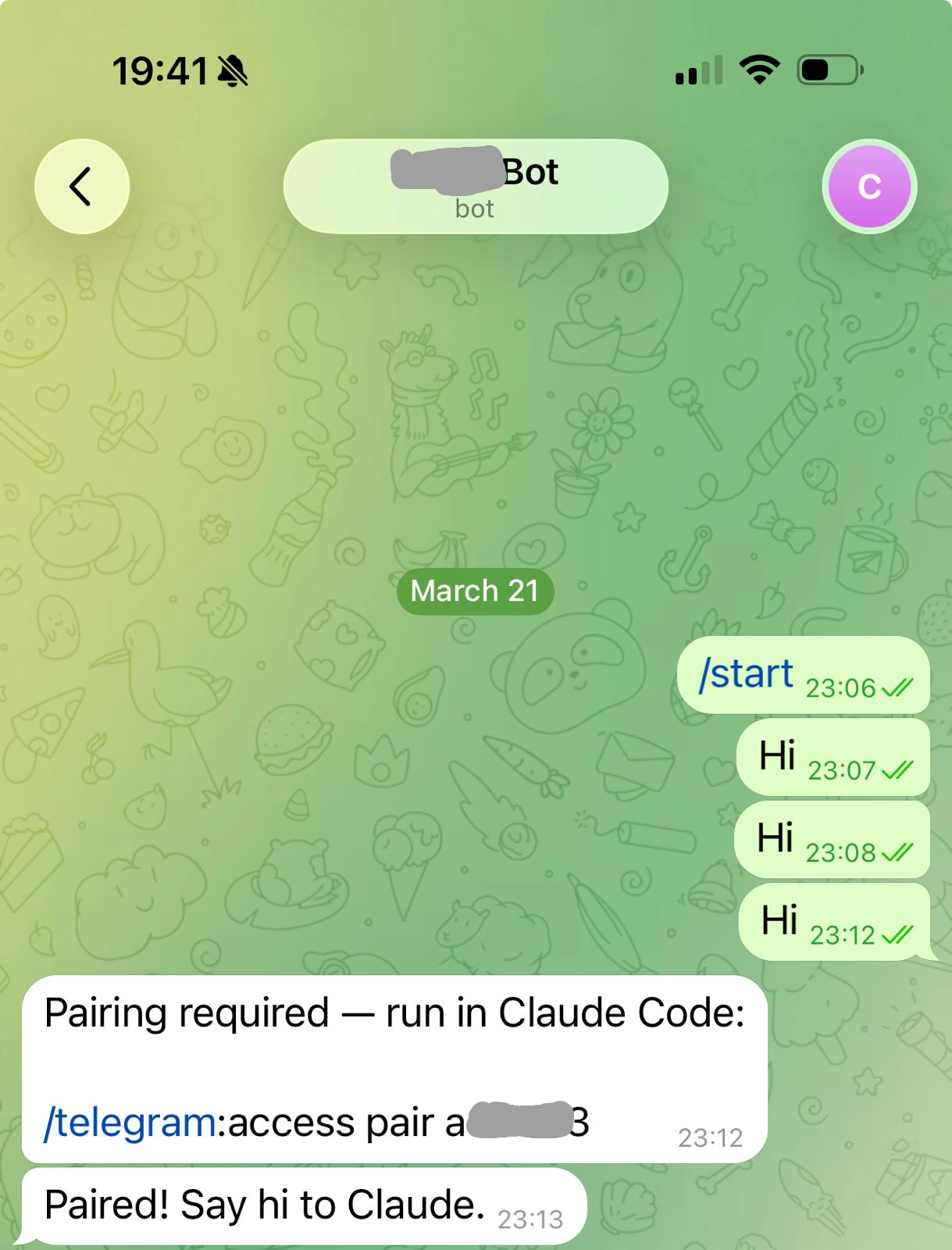
The bot’s response includes the command to pair the session inside Claude:
1
/telegram:access pair a12345
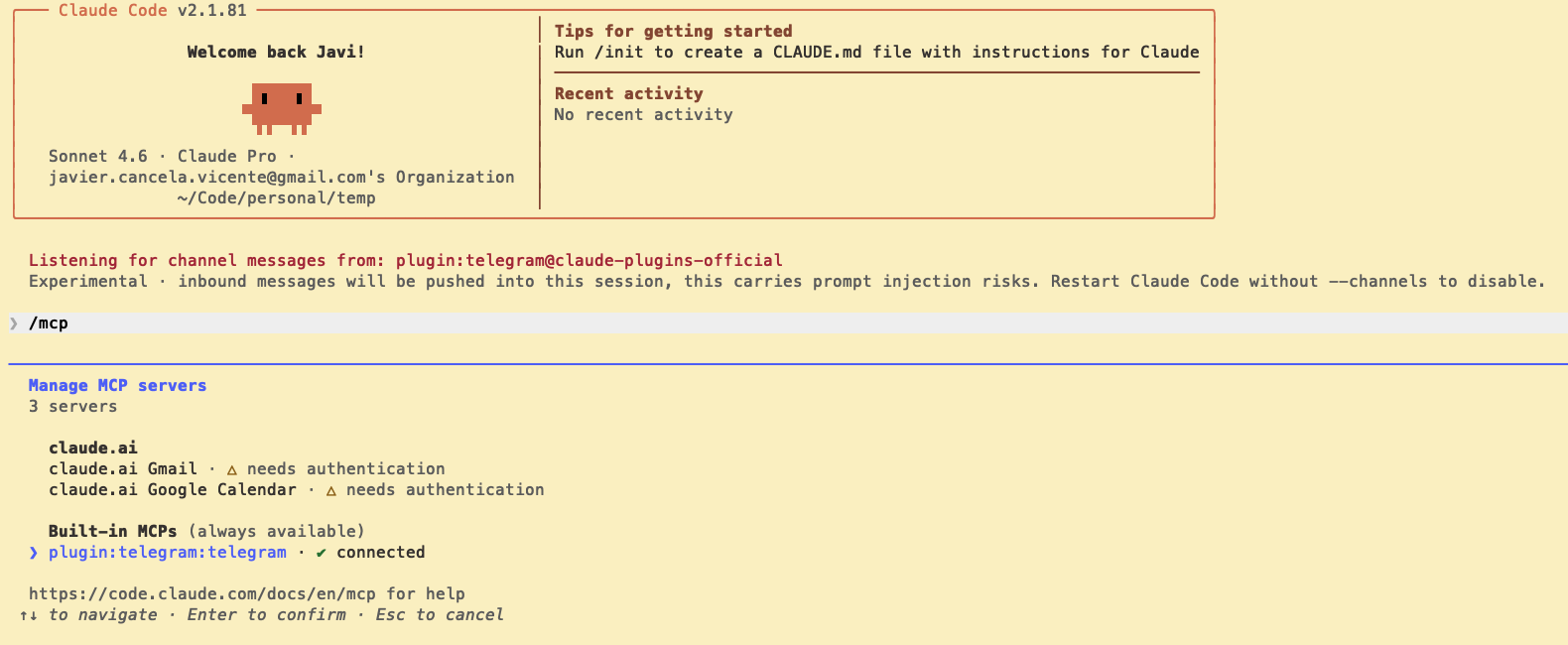
I said ‘Hi’ three times because the MCP server for the channel wasn’t working. I installed bun but I didn’t make sure the PATH was updated, so the MCP server was failing. You can check the MCP server status with /mcp:
And that’s it. Now I can use Telegram as a front-end for an existing Claude session: