Adding Codex and Claude Code notifications to Alacritty
I mentioned before that getting notifications wasn’t that easy, at least in my setup. This causes me to get lost in Twitter and other important work while the agents are waiting for me.
Claude Code
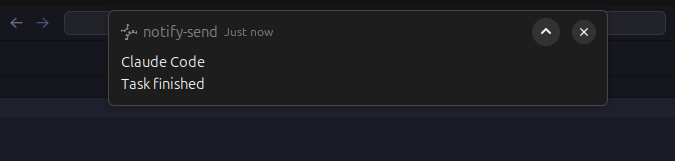
For Claude Code, the fix is not that hard. We can configure hooks, so when some predefined event happens, you can run a script. In our case, since we want a notification, we’ll use the notify-send Linux program:
1
2
3
4
5
6
7
8
9
10
11
12
13
14
15
16
17
18
19
20
21
22
23
24
25
26
{
  "hooks": {
    "Stop": [
      {
        "hooks": [
          {
            "type": "command",
            "command": "notify-send -u critical 'Claude Code' 'Task finished'"
          }
        ]
      }
    ],
    "Notification": [
      {
        "matcher": "permission_prompt|idle_prompt",
        "hooks": [
          {
            "type": "command",
            "command": "notify-send -u critical 'Claude Code' 'Needs your input'"
          }
        ]
      }
    ]
  }
}
We listen for the Stopand Notification events, and we can filter what notifications. The documentation is here. I use the parameter -u critical to tell the system to keep the notification; without it, the notification disappears in a couple of seconds.
OpenAI Codex
I haven’t found a direct solution for Codex. There isn’t (at the time of this post) a mechanism equivalent to Claude’s hooks. But looking for alternatives, I found this.
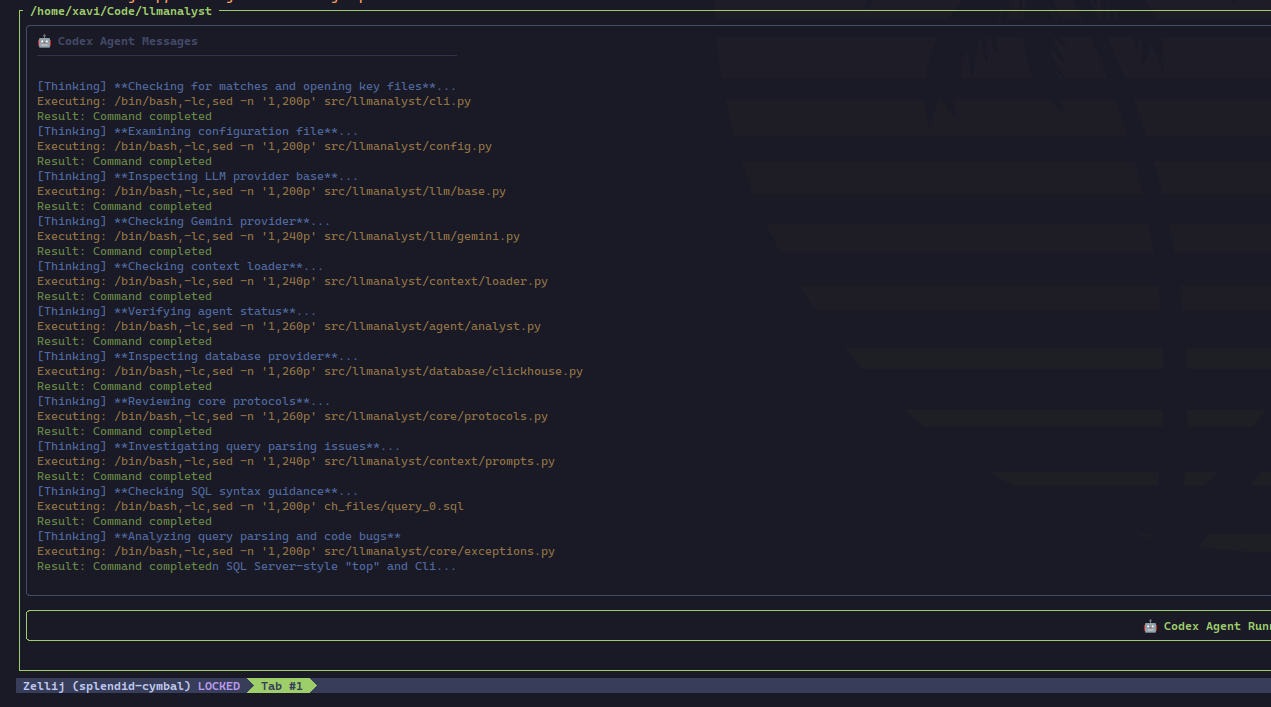
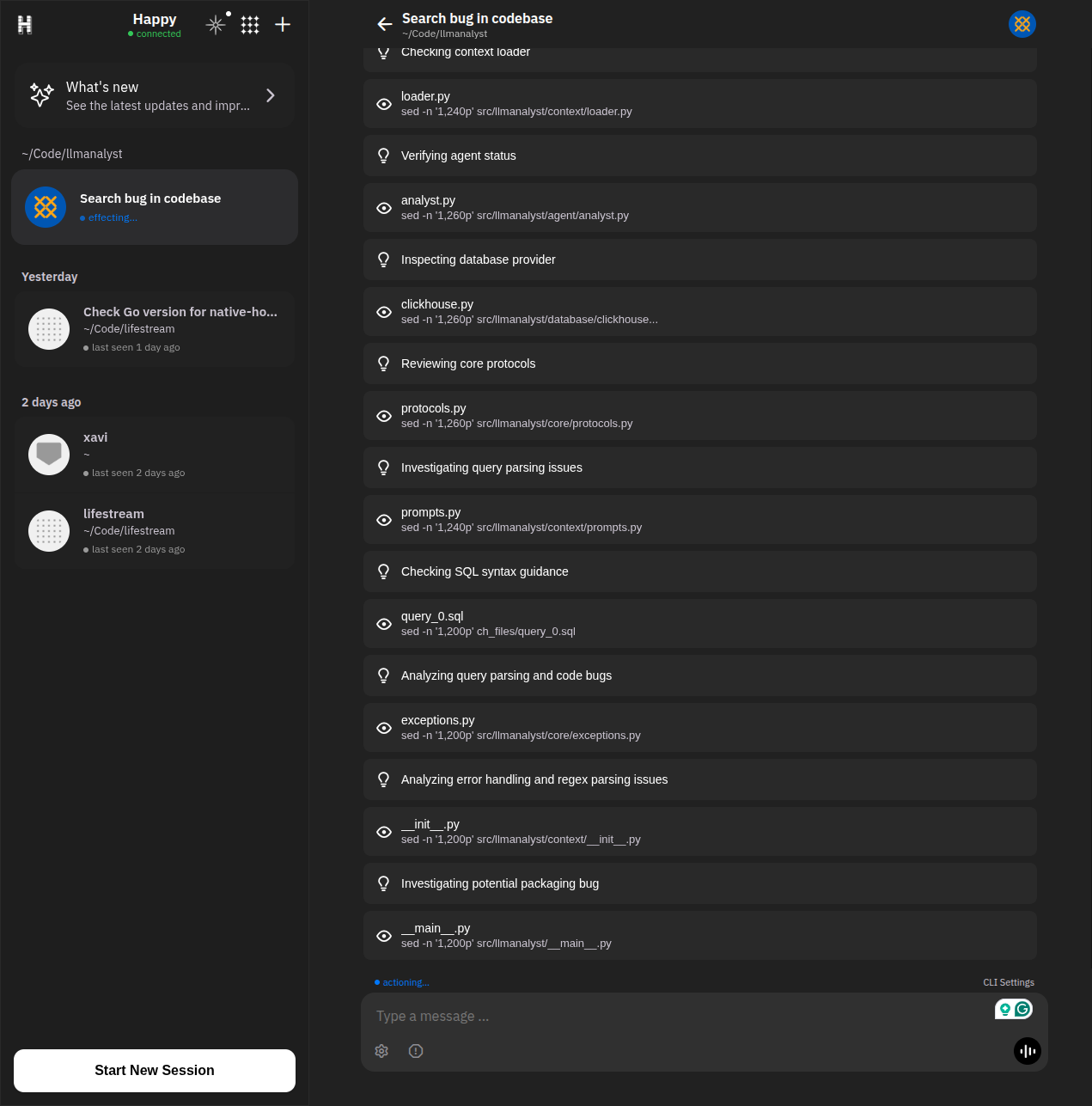
It is an open-source tool that lets you run and control AI coding agents (Claude Code and Codex) from multiple devices. You install a client TypeScript app on your computer. That app wraps the AI session and syncs it with a mobile/web client (presumably) securely, so you can start a session on your machine and continue it from your phone or browser.
As an additional advantage, you get mobile notifications telling you if Codex is done or needs info.
As far as I can tell, it is a legit app, not a trap to steal your data and encrypt your disc, but use it at your own risk!